Codex
Your AI assistant for work.
Trusted by top teams




Ways to use Codex


Get work done faster
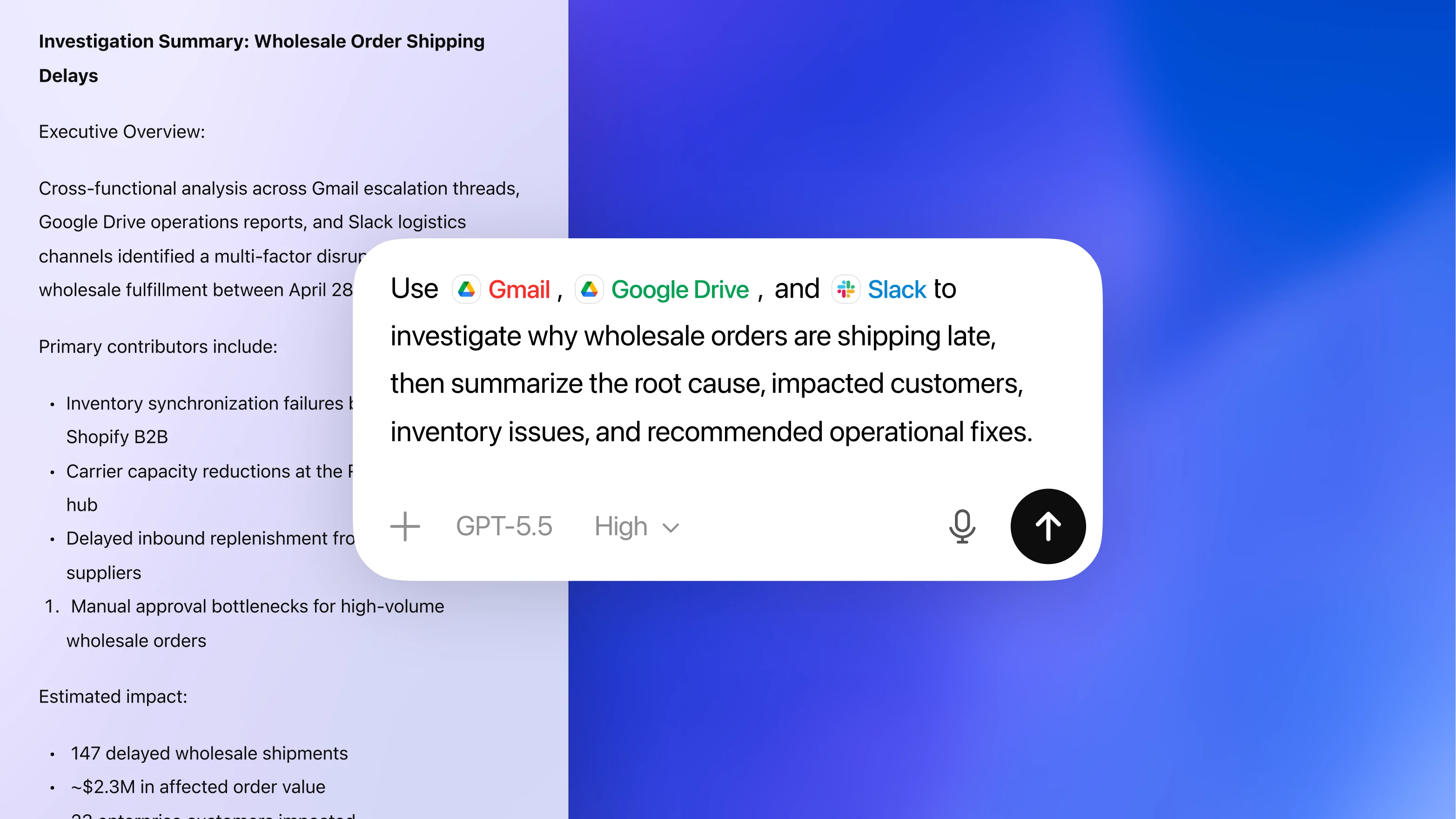
Your research assistant
Give Codex the files, notes, data, decisions, and code behind the task. It works from the actual materials that shape the job, so you do not have to flatten real work into a single prompt.
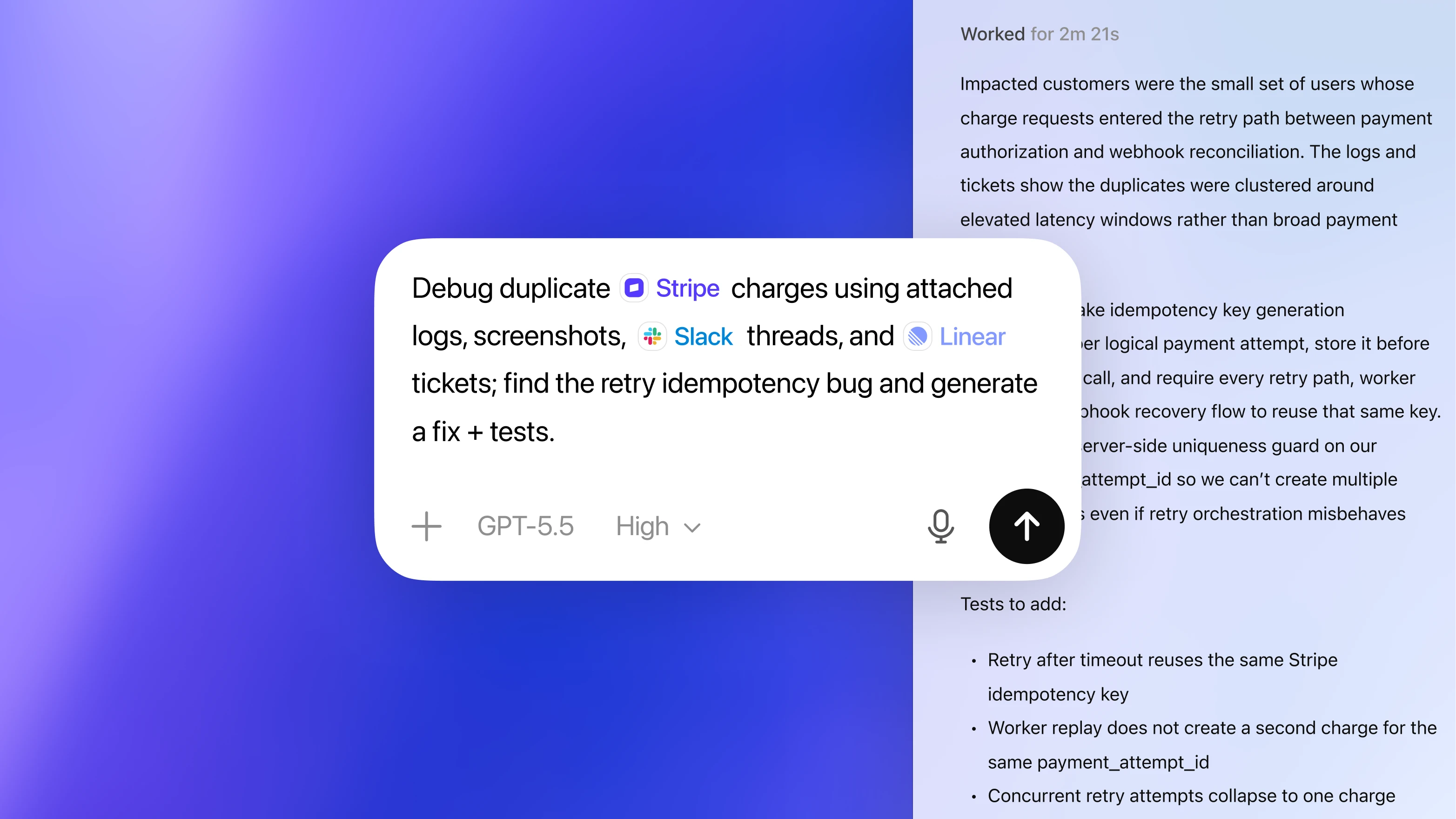
Get finished work back
Create briefs, spreadsheets, decks, visuals, messages, tools, automations, prototypes, plans, and code changes you can review, refine, and use.
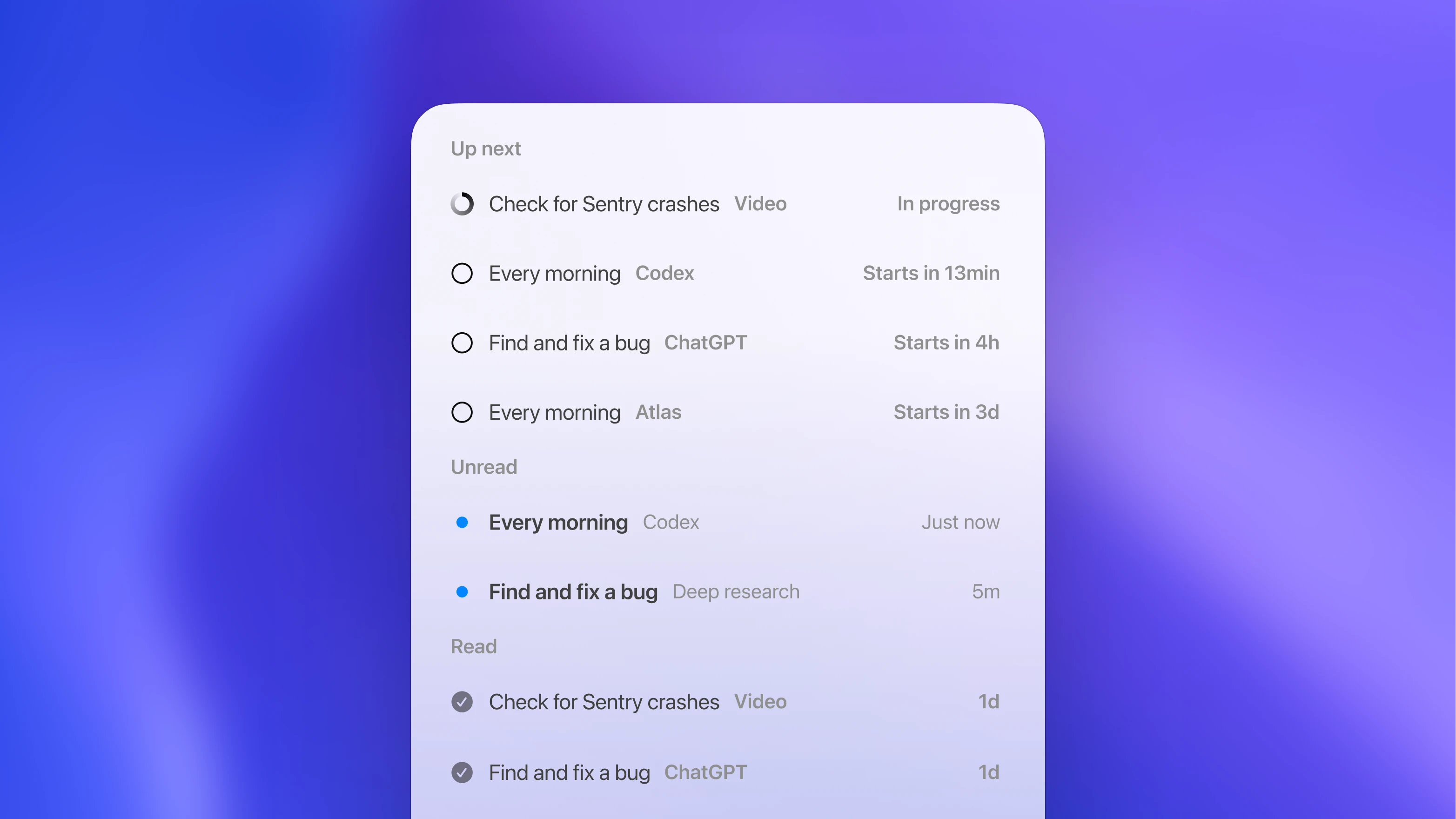
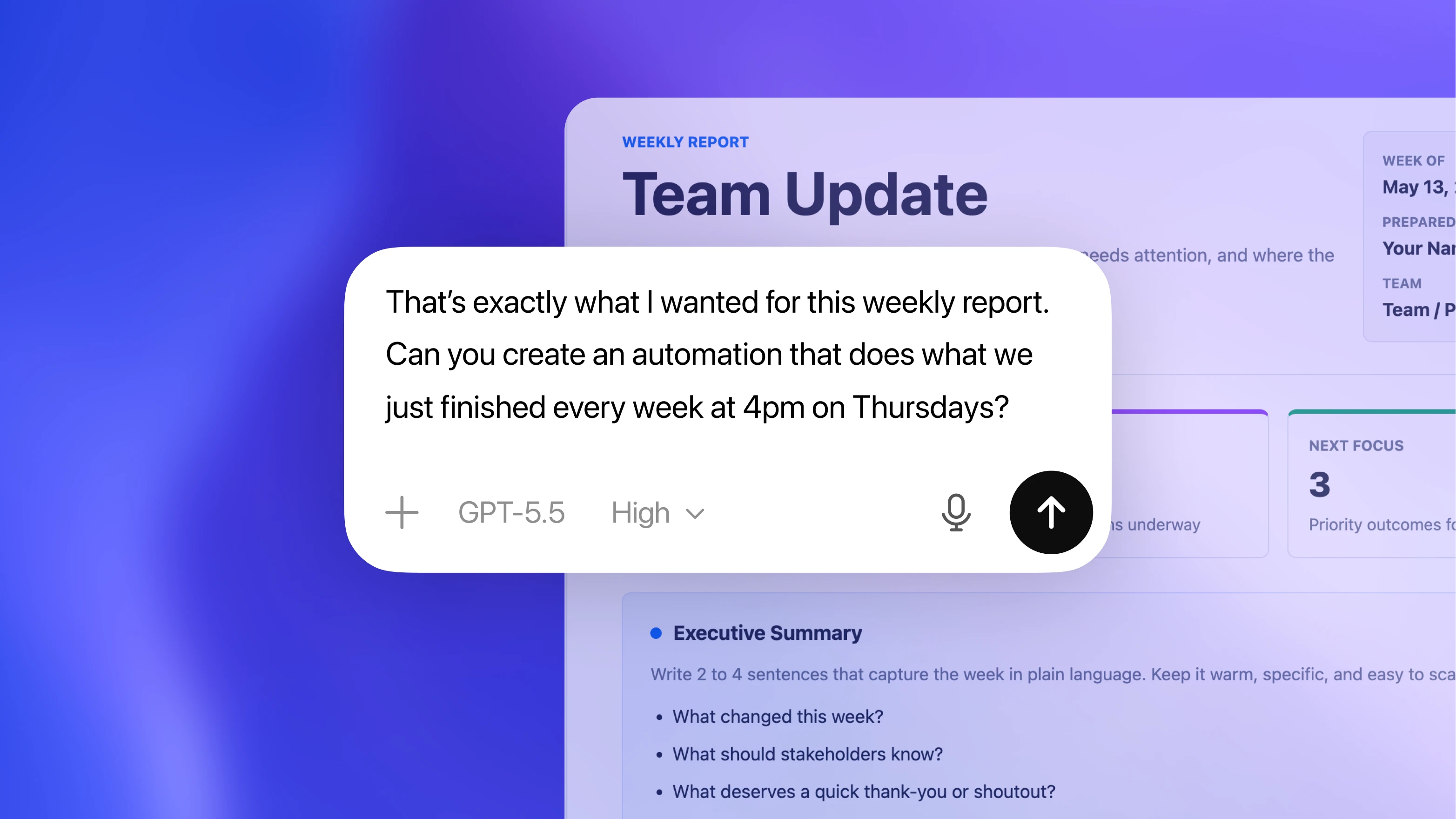
Make good work repeatable
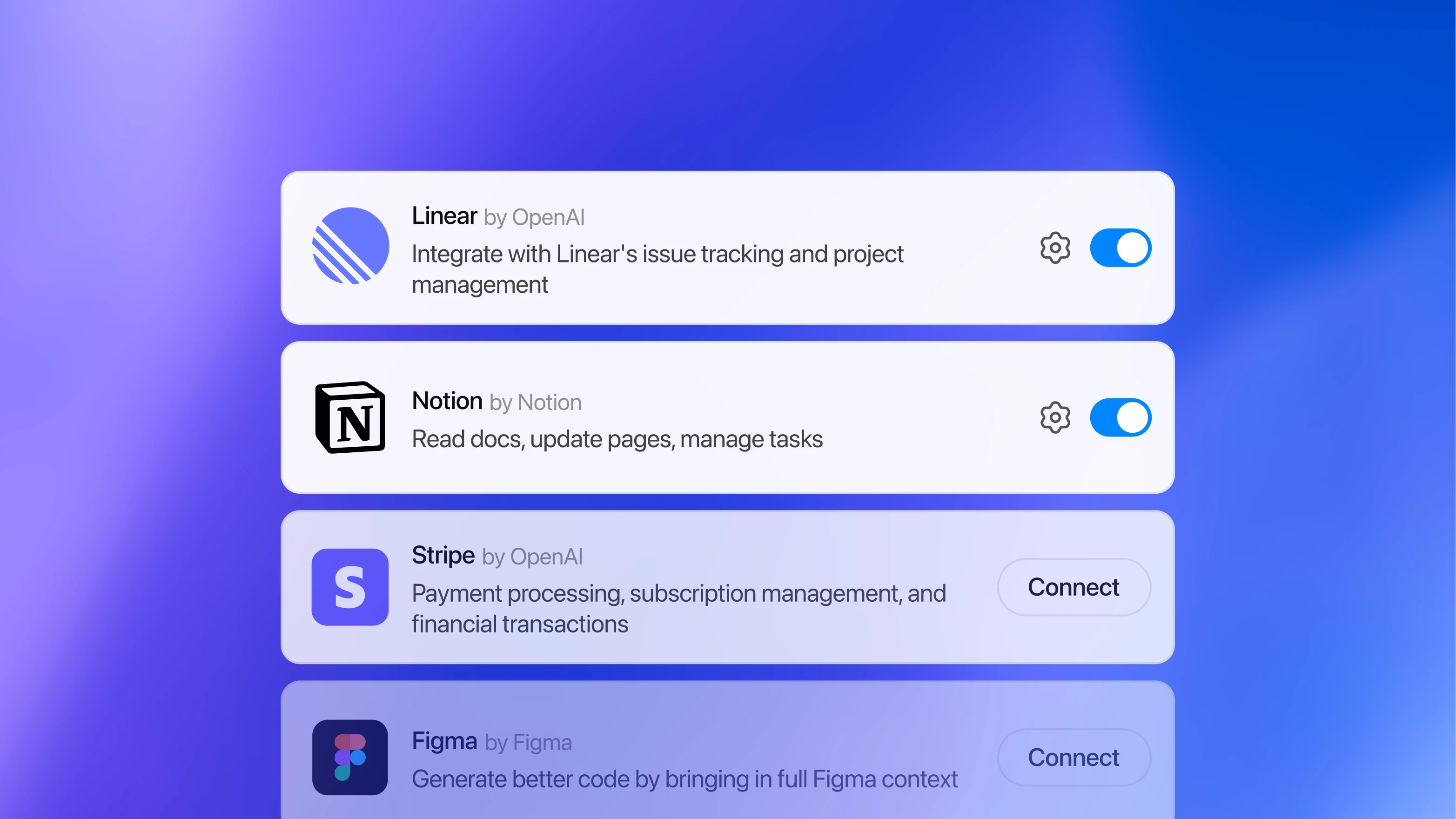
For work you do again and again, Codex can gather the latest context from GitHub, Slack, and docs, then help turn proven workflows into updates, summaries, follow-ups, automations, and code changes.
For the work teams do every day
Use Codex for KPI readouts, pipeline updates, finance reviews, launch briefs, renewal prep, recruiting packets, customer summaries, bug triage, prototype builds, and follow-ups.
You stay in control
Codex shows the sources, assumptions, changes, and next steps so teams can review, refine, and decide what happens next.
Choose a ChatGPT plan to get started
Plus
Includes Codex usage for focused coding sessions each week.
/ month
Get Plus
Pro
Higher usage limits to power full workdays across multiple projects.
From
/ month
Get Pro
Business
Secure, shared workspace with admin controls and flexible pricing for teams using Codex across repositories.
/ user / month
Try ChatGPT Business
The same agent everywhere you code
Use Codex across multiple surfaces, all connected by your ChatGPT account.
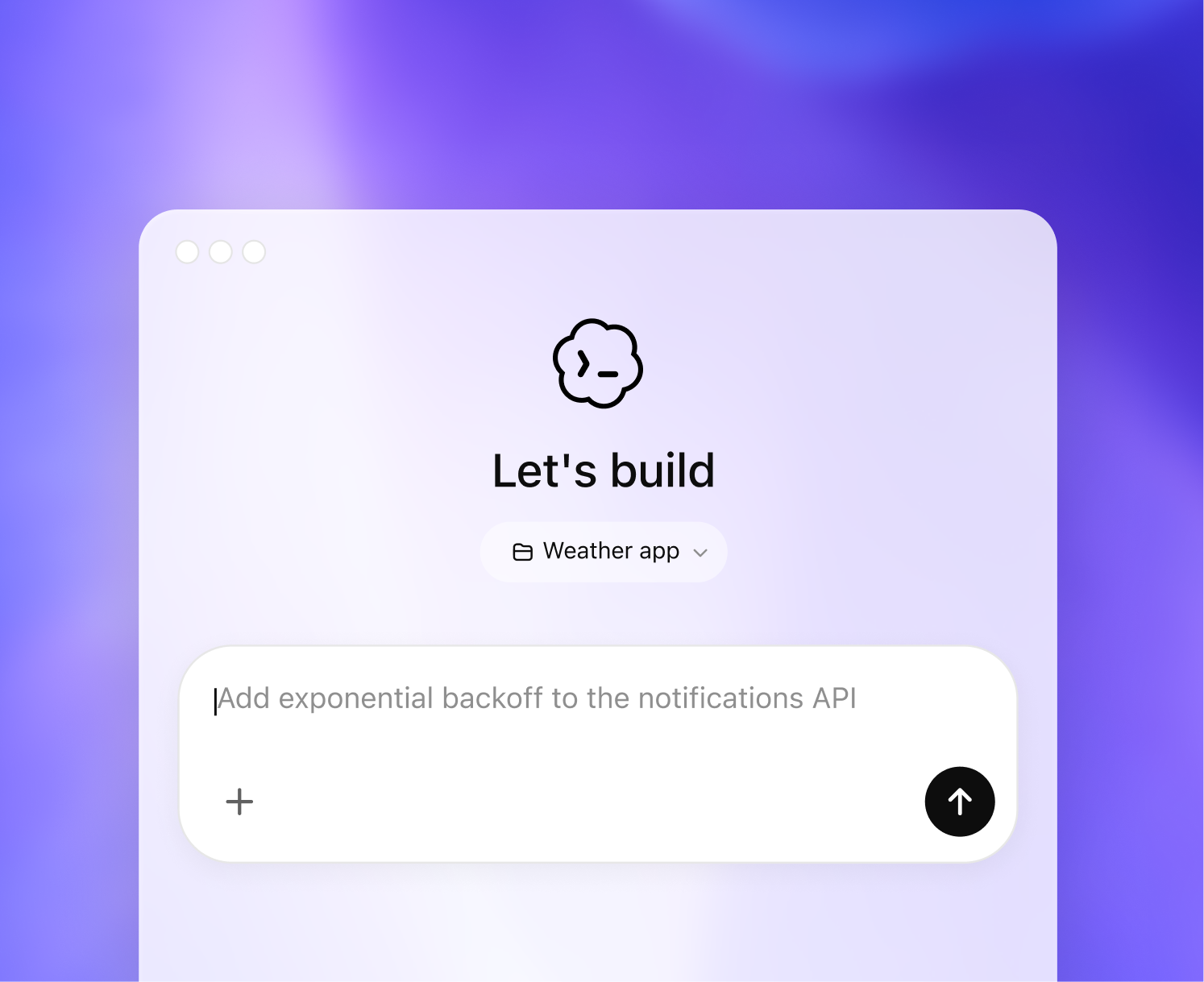
Start in the Codex app
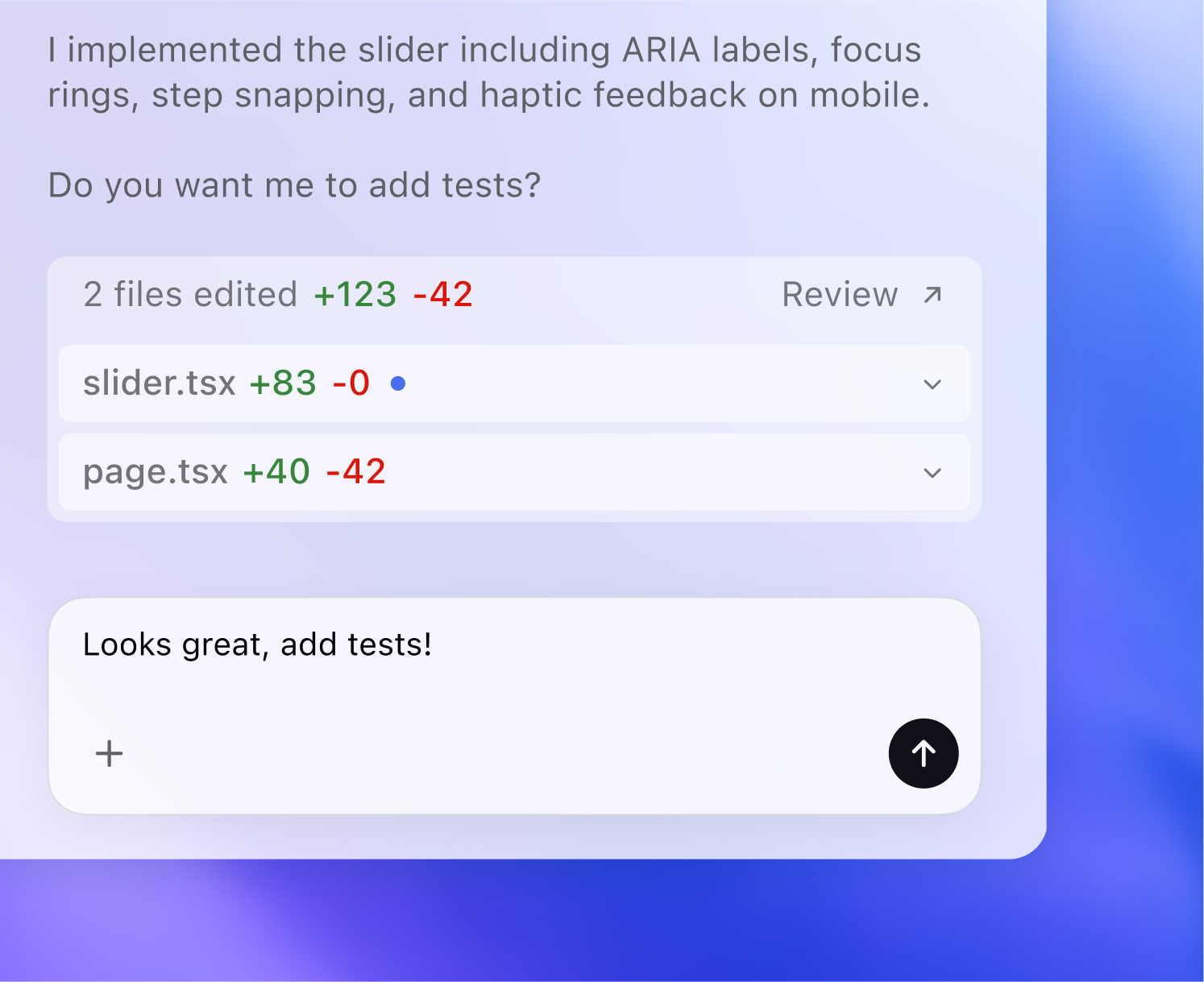
Move to your editor
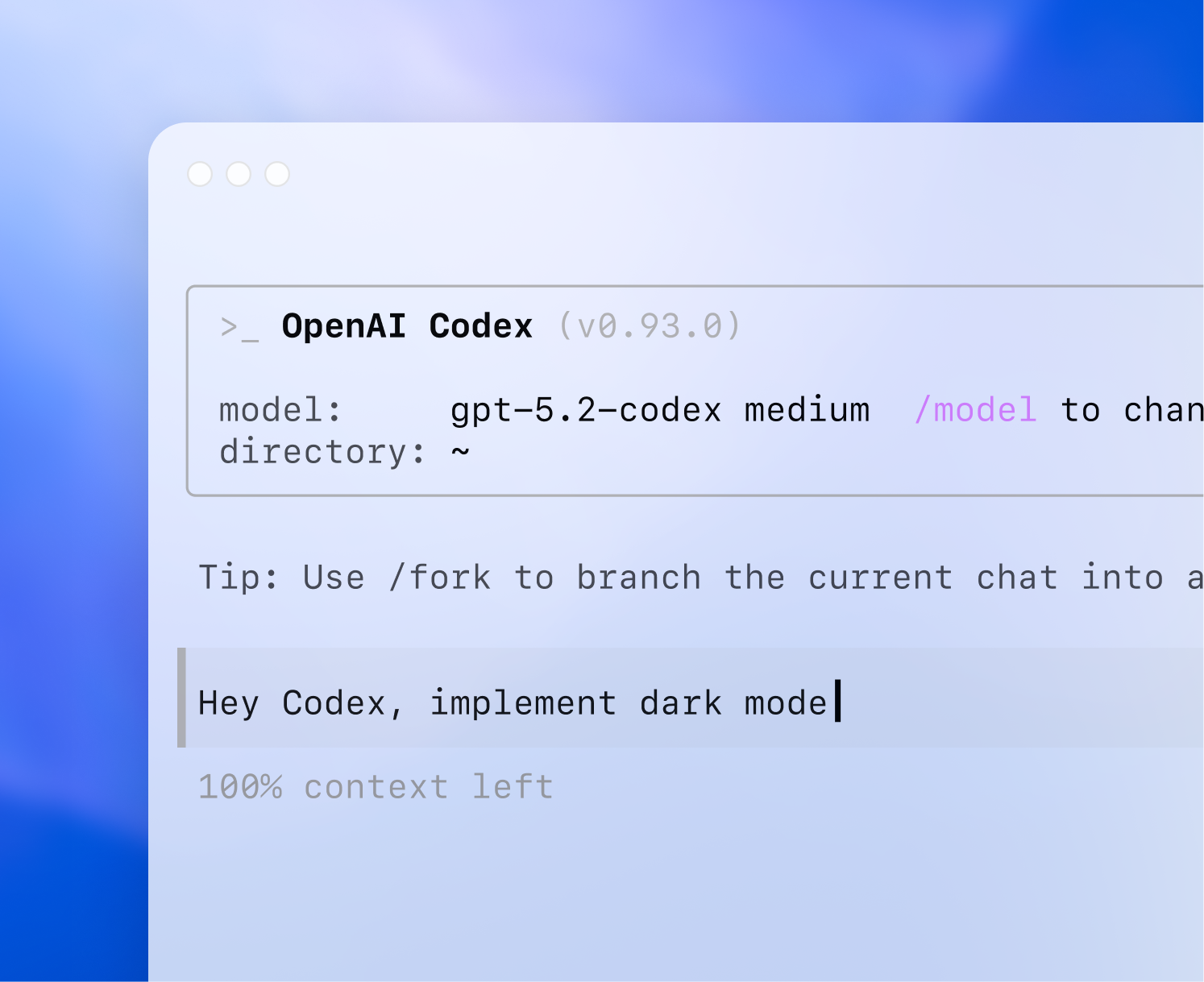
Keep going in the terminal
>_ship|
Ship better code, faster
Automate PR reviews and continuously scan for vulnerabilities.
Built for how your team works
Run agent workflows locally, in the cloud, or plug into your existing tools like Slack or Linear.
Enterprise-ready
Advanced analytics, 100+ integrations, and full security controls.
Try Codex today
Your AI assistant for work.